A self-service business-card designer for the print shop — and the foundation for a scalable print platform.
Visitenkarten Designer
Designer & Developer
UX/UI, WebApp Development
2026
Who is it for, and why does it exist?
Print shop by day, designer on the side
I work part-time at a print shop and design freelance on the side. Standing at both ends of the counter, I kept running into the same gap — customers who want good business cards, and a print process that can't easily give them one. So I built a tool to close it — and designed it from the start as something I can keep building on.
Print data, self-service
The Visitenkarten-Designer lets customers create their own print-ready business cards — on a tablet in the shop, or from home on their phone after scanning a QR code. No design software, no Word files, no back-and-forth.
The work it takes off the shop
Without it, all of that falls on us at the shop: fixing broken files, building cards from scratch on jobs that should be quick, and sometimes turning orders away because a file is unusable or a fresh design isn't worth the time. The app hands that effort back to the customer — and keeps the result usable.

What actually had to be solved?
An easy way to a good card
The goal: let anyone make a genuinely good-looking card with no design skill — and without us touching it afterwards.
Every card holds different things
The first hard part is that the content varies wildly. One person has just a name and a number; the next has a title, a company, a logo and a full address. The same layout has to look right for all of them.
The print has to match the screen
The second: the card has to come out genuinely print-ready, and the printed result has to look exactly like the preview the customer saw while building it.
How does the app pull that off?
A guided flow, not a blank canvas
Instead of a freeform editor, it's a step-by-step flow — one decision per screen, the card building up as you go. With curated fonts, set palettes and a fixed format, every choice is already a good one. You can't make a bad card.
Layouts that adapt to the content
Each layout reflows around whatever the customer enters: type more and it rebalances, leave fields out and it closes the gaps — so a sparse card and a packed one both look intentional.

Your card stays in view
Like a photo app, the card sits pinned at the top while the options run in a strip below. You swipe through fonts, colours and papers and watch it update live — your eyes never leave the result.
What you see is what prints
The preview isn't a rough approximation. It's drawn from the same data as the print file and simulates how ink sits on the paper you picked — so the printed card matches the screen, and the file goes out ready to print with nothing for us to clean up.
The two tools I built around the app
A layout planner, made just for this
To get full control over how cards adapt, I built my own simple design tool for the app — Figma-like to work in, but whatever I design goes live in the app directly. I set the adaptive rules there (e.g. "if a logo is uploaded, the layout shifts like this") and stress-test each layout against many different sample inputs, so I can see instantly if anything breaks. It's how I can guarantee no entry blows up a card. Finished layouts export as JSON straight into the app — no hand-coding.

An admin for the shop floor
New orders land in our own backend. There we choose how the print file should be set up — a few options, since everyone on the team works a little differently — mark a job as in progress or printed, and pull up the customer's contact details.


Where did Claude fit in?
From my Figma design to a working app
I designed the interface myself in Figma, then turned it into a real, working app and design system together with Claude Code — from static screens to something people can actually use, fast.
The decisions stayed mine
Claude handled much of the build; the calls on design, typography and what a print-ready file truly needs stayed with me. That's the point — the speed let me spend my time on judgement, not plumbing.
Did it land?
One card, start to finish
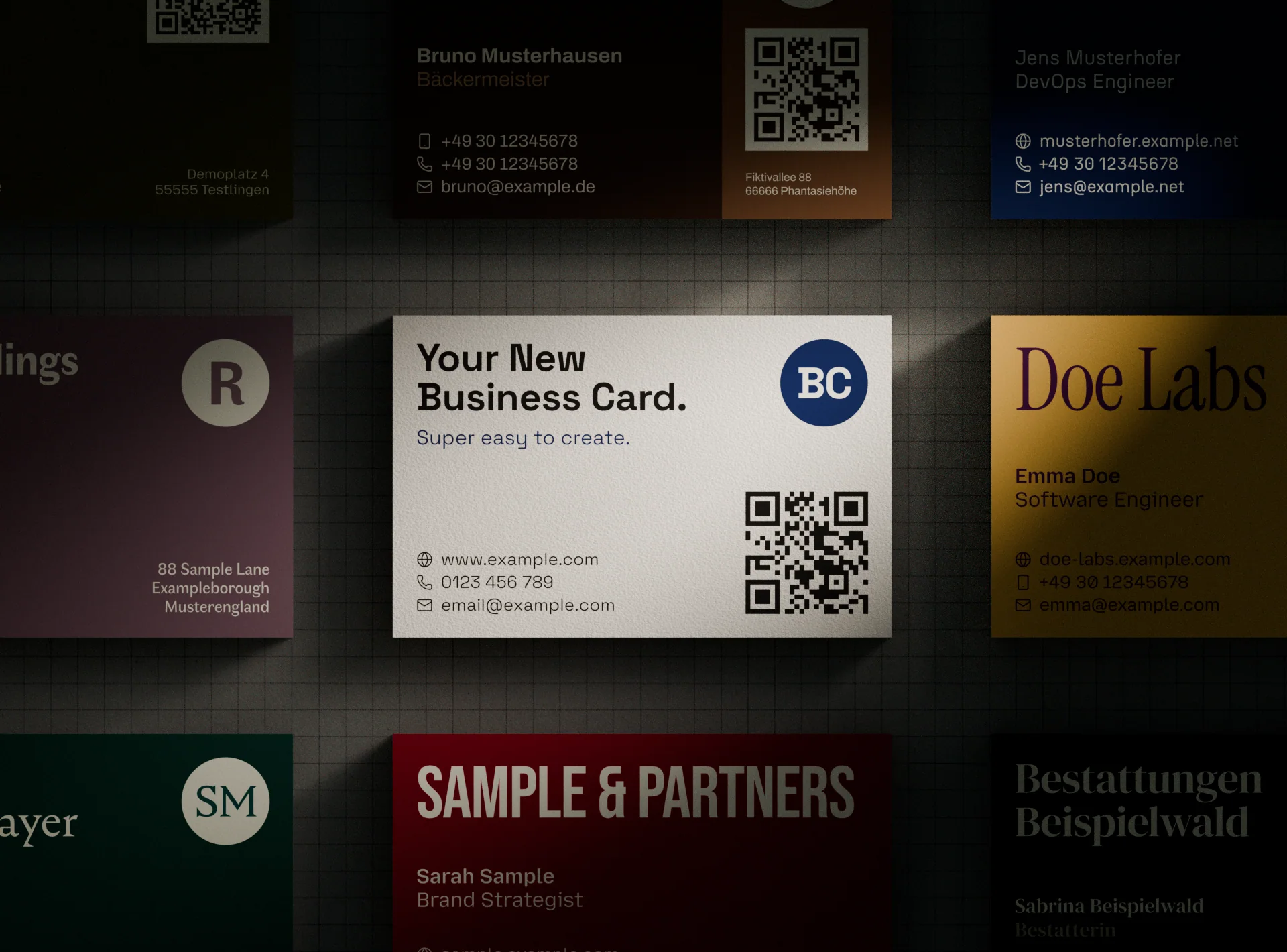
Customers can now design a good-looking card themselves in minutes, and it comes off the press exactly as previewed — print-ready, with nothing left for us to fix.
Try it for yourself!
If you want to try a prototype of the configurator for yourself, click the link or scan the QR-code.
The card designer is the first product — not the whole plan.
Built as a foundation, not a one-off
A card is really just structured data run through a layout engine — the same engine the planner feeds. That means the hardest part is already done. The same system can drive far more than business cards, without rebuilding it each time.
More products, more shops
The natural next steps build on that: more print products — flyers, postcards, stationery — designed in the same planner, and the whole app rolled out to other print shops as their own self-service front desk.
Beyond the shop, fully online
And further out, it can leave the shop entirely: a fully online product where anyone configures what they need and has it shipped, with no counter in between — the same groundwork, a much more scalable product.
© 2026 Tom Wabner.
All rights reserved.